
Trouble Logging into Nova Patti? Here’s How to Fix It
Having trouble logging into Nova Patti? You are not alone. Many users occasionally face login issues like 404 errors, OTP not received, account not found, or connection failed messages.
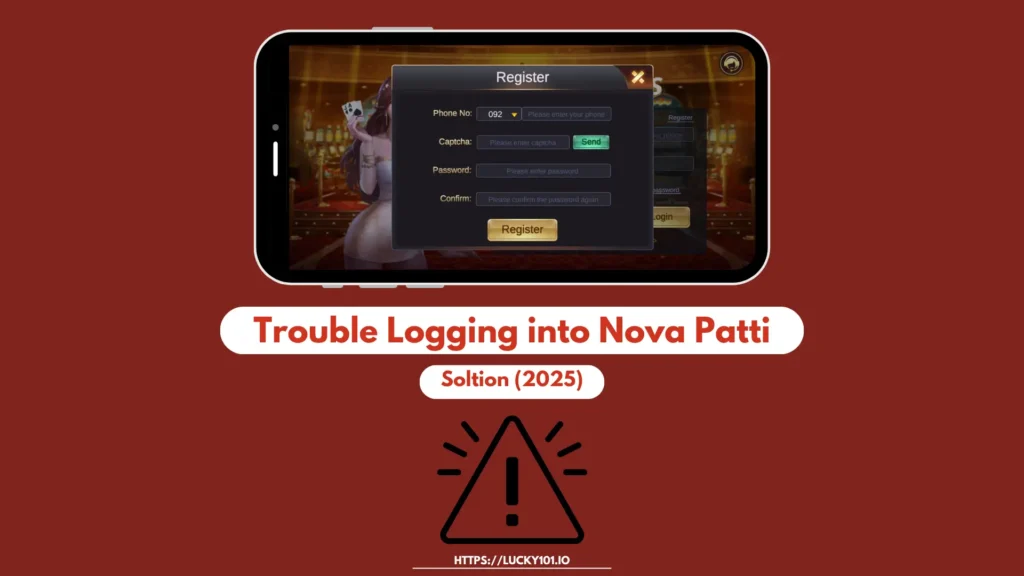
Don’t worry as most of these problems are easy to fix once you know what’s the reason behind them. Here’s a complete guide to help you get back into your Nova Patti account smoothly.
Check Your Internet Connection
It might sound basic, but a weak or unstable internet connection is one of the main reasons for failed logins. Make sure your Wi-Fi or mobile data is working properly by loading another app or website.
If the other page/app does not load, switch networks or restart your router. A stable connection is important for a successful Nova Patti login.
Fix the “Connection Failed” Error
If you are seeing a “Connection Failed” message, it usually means the app couldn’t reach the app’s servers. To fix it:
Solve the 404 Error
A 404 error typically means the page or server you are trying to access is either temporarily unavailable or does not exist at all. This can happen if the Nova Patti app or site is undergoing maintenance.
To resolve this:
Not Receiving OTP (One-Time Password)
It is safe to say that not receiving OTP is the most frustrating problem of all. Here’s what to do;
Sometimes, all you have to do is be patient as delays in OTP delivery are due to network traffic or temporary carrier issues.
“Account Doesn’t Exist” Error
There is no need to panic as Nova Patti Game shows “Account Doesn’t Exist.” It usually means server sync issue, account deletion or deactivation, or you simply entered the wrong login credentials.
One way you can get your account back is by resetting your password or registering again with the same email. If your account was previously active, contact the round-the-clock customer support to restore it.
Still Can’t Log In?
If you have tried all the above steps and still can’t access your account, it may be a temporary issue on Nova Patti’s end. In this case, there is not much you can do except wait a few hours and try again later. Keep an eye on their official social media handles for updates on potential login issues or system maintenance.